
github: , , ,
* The screenshots in the blog are from the Udacity Nanodegree Program: Become an Android Developer *

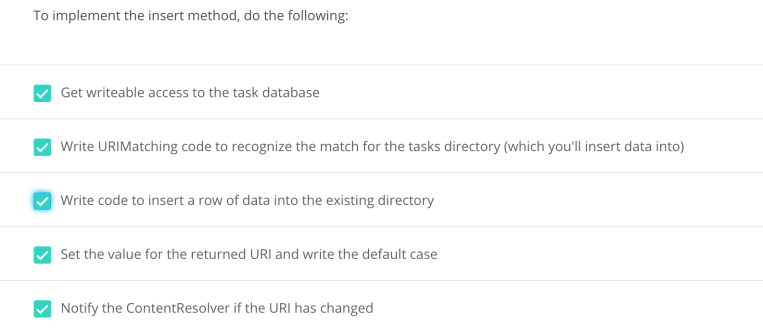
Insert (Create)

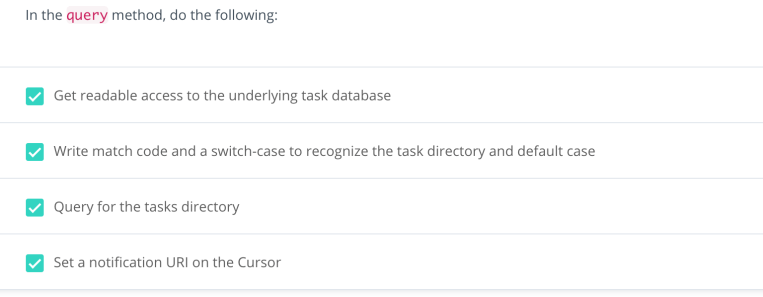
Query (Read)
- Query for all table data
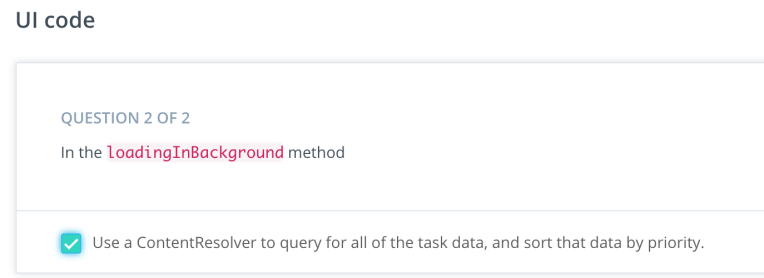
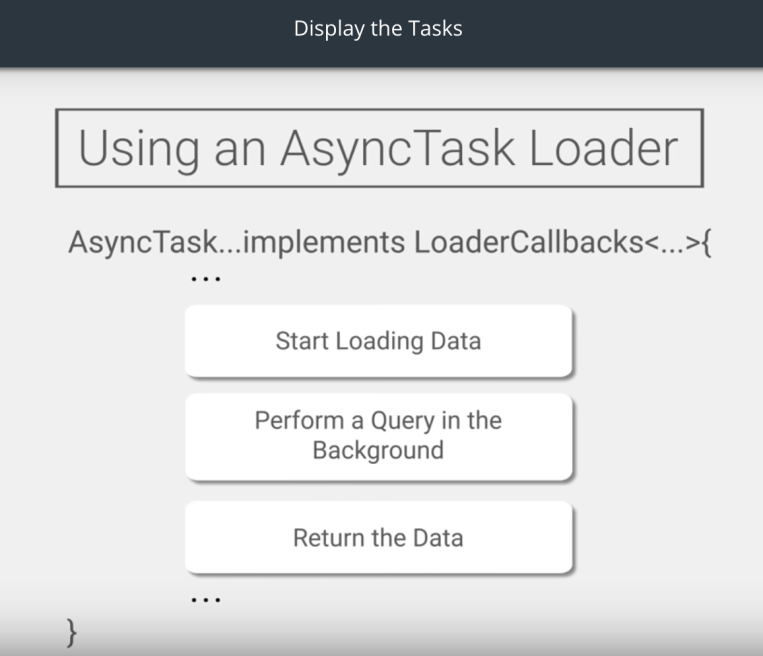
What Does the CustomCursorAdapter do?
The CustomCursorAdapter will inflate views using the xml layout file task_layout, and create ViewHolders that will fill the main RecyclerView.
Each ViewHolder includes data about a single task: it’s text description and priority level. The priorityView will actually be a small colored circle that indicates the priority level 1-3 (1 is high and 3 is low).
The priority circle is a drawable resource, and its color is assigned to red, yellow, or green based on the priority level.
All of this code was included in your starter code, so no need to change anything in here.
2. Query for one item
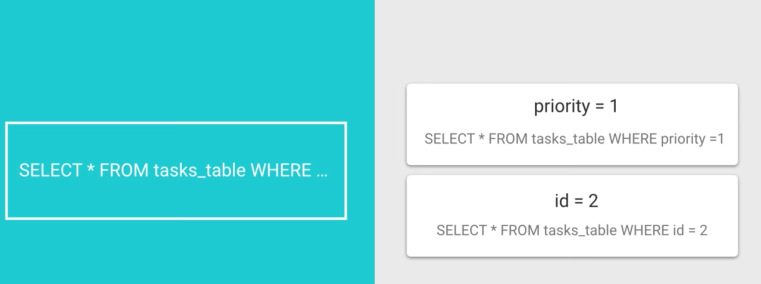
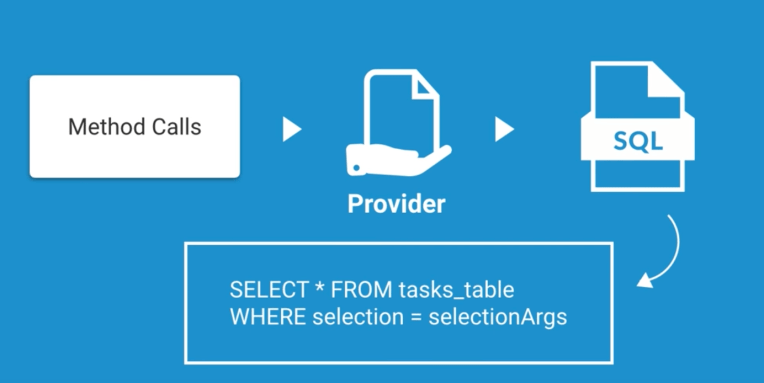
//Add a case to query for a single row of data by ID
case TASK_WITH_ID:
    //Using selection and selectionArgs
    //URI: content://<authority>/tasks/#
    // Get the id from the URI
    String id = uri.getPathSegments().get(1);

    // Selection is the _ID column = ?, and the Selection args = the row ID from the URI
    String mSelection = "_id=?";
    String[] mSelectionArgs = new String[]{id};

    // Construct a query as you would normally, passing in the selection/args
    myCursor =  db.query(TABLE_NAME,
            projection,
            mSelection,
            mSelectionArgs,
            null,
            null,
            sortOrder);
    break;
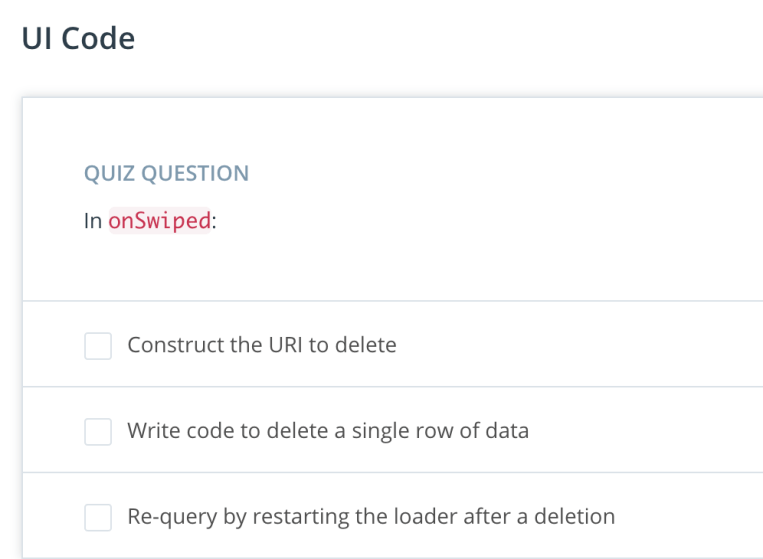
Delete

Update
case TASK_WITH_ID:
                //update a single task by getting the id
                String id = uri.getPathSegments().get(1);
                //using selections
                tasksUpdated = mTaskDbHelper.getWritableDatabase().update(TABLE_NAME, values, "_id=?", new String[]{id});
                break;
 Gina Hsu