
github: and
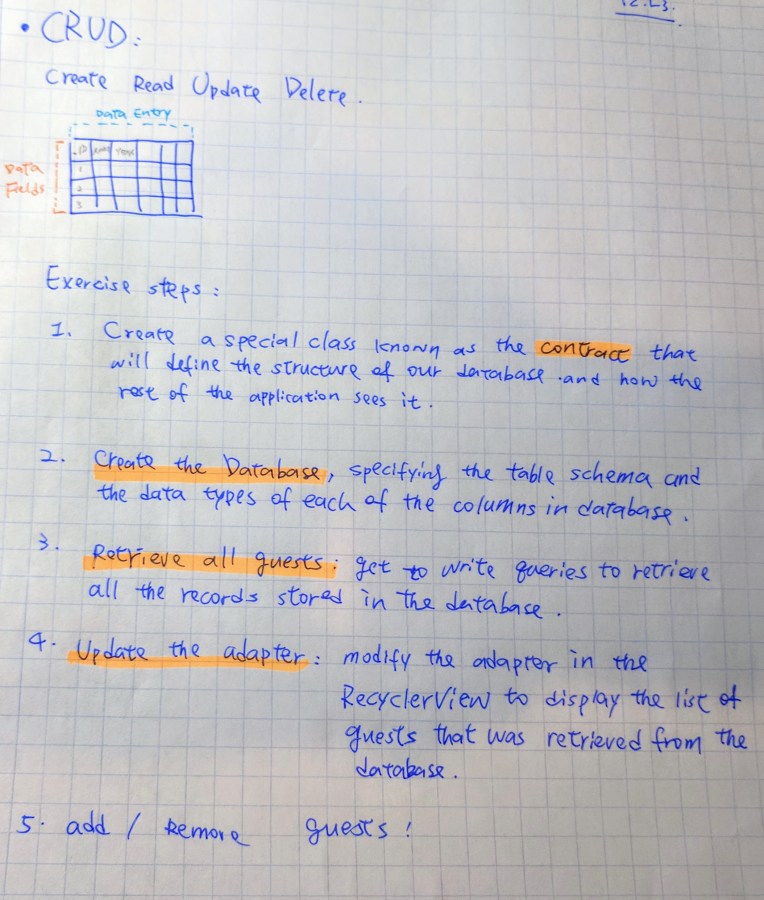

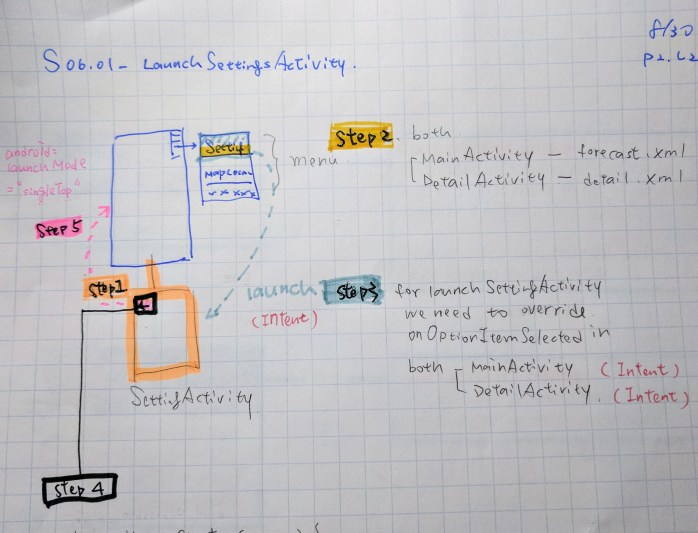
github: S06.01-LaunchSettingsActivity , ,
* Reference: Udacity Nanodegree Program- Become an Android Developer *

Android, Java, Picasso library, OkHttp library and Weather Underground’s API
Weather Underground’s API provides free access to their service for developers. http://www.wunderground.com/weather/api/
The hourly weather has two main sections. The top section is the current conditions of the entered ZIP code. If the temperature is below 60˚, use the cool color as specified by the designs. If the temperature is 60˚ or above, use the warm color as specified by the designs.


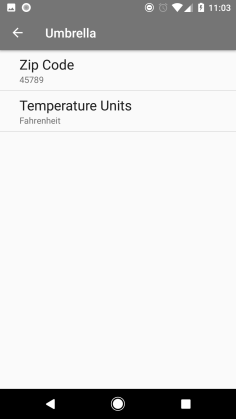
– Zip Code Entry
The user should be able to enter the ZIP code as prescribed by the designs.


– Temperature Units Setting
Be able to switch between Imperial and Metric representation of the data.


github:
* The below material is from Udacity Nanodegree Program- Become an Android Developer *
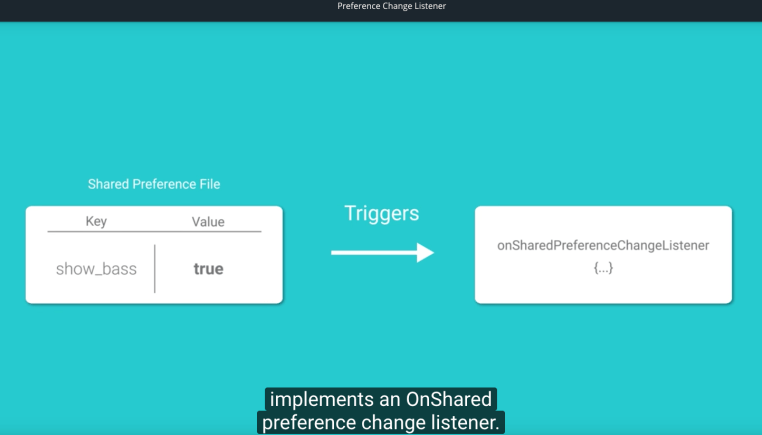
To limit the acceptable values between 0 (non inclusive) and 3 (inclusive) we opted to use a PreferenceChangeListener – this is not the same as a SharedPreferenceChangeListener. The differences are:
Enter an input for the size multiplier but not a number (ex: aaa), that will cause our app crashes.

github:
resource: EditTextPreference
* Reference: Udacity Nanodegree Program- Become an Android Developer *


github:
github: T06.05_PreferenceChangeListener
* Reference: Udacity Nanodegree Program- Become an Android Developer *




 Gina Hsu